How to Get the Windows 10 Creators Update Early
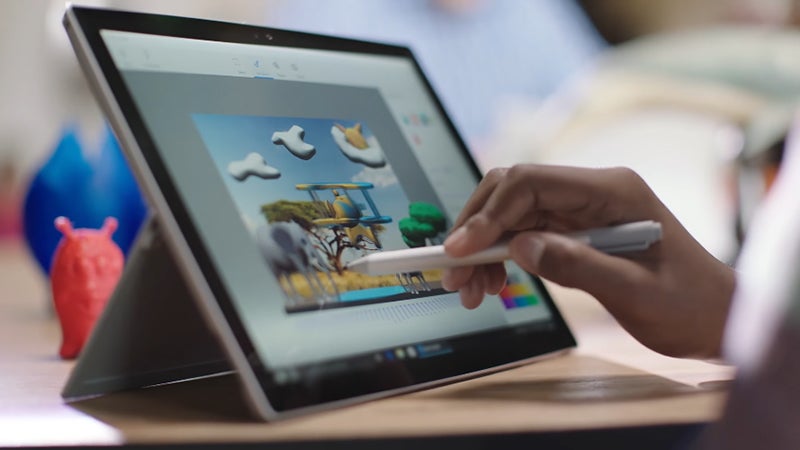 Image: Microsoft
There are no specific requirements to be a Windows Insider and there's nothing to pay. It's for anyone who wants to get the latest Windows features first, but you have to be prepared to put up with a bug or two. You can leave the program at any time.
Microsoft doesn't recommend running beta software on your main PC, so you do so at your own risk. You also need to have a proper Microsoft account set up on your computer (with a Microsoft email address attached), rather than a local account.
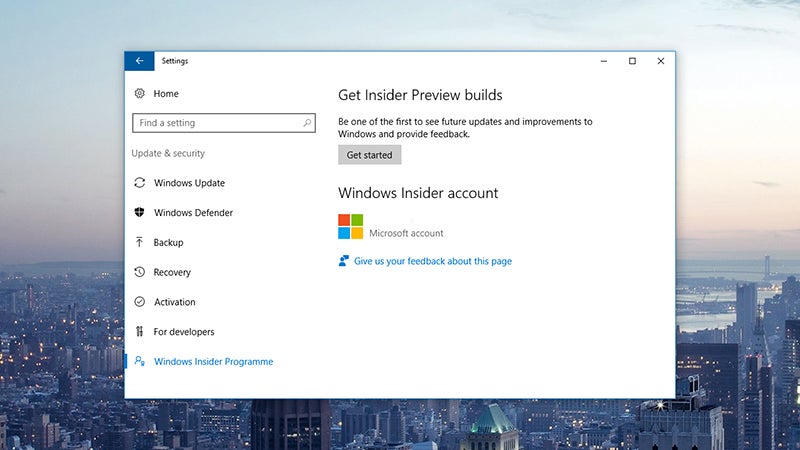 Image: Screenshot
At that point, you're all set—Insider Preview builds will now roll out to your computer automatically, though it may take some time for the first one to appear. If you head back to the Windows Insider Program entry in the Update & Security section of the Settings app, you'll see you can choose your "Insider level", which essentially sets how quickly you want to get unfinished builds on your machine.
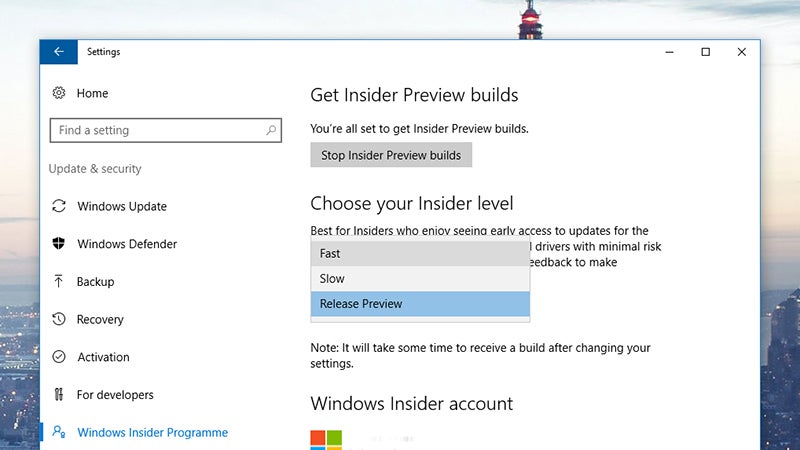 Image: Screenshot
Another option is to download the ISOs directly from Microsoft, if you're comfortable installing a fresh version of Windows 10 on a blank or wiped hard drive. As Neowin points out, the versions now available are likely the near-final 'release to manufacturing' versions, so you can start playing around with Paint 3D, Beam for game broadcasting, streamlined messaging, and everything else that's included.
To get out of the Insider Program, you need to click Stop Insider Preview builds from the Settings page. Depending on how many patches you've installed and where you are in the update cycle, Windows may be able to roll you back to a stable version, but you might well need to do a fresh install from scratch.


Comments
Post a Comment